



Did you know that more than 1.2 trillion digital images are captured annually? With such a vast number of pictures being taken, it’s no surprise that editing has become a crucial aspect of perfecting an image. When it comes to photo retouching, one of the most frequent requests is the removal of unwanted objects.
In this article, we will delve into various methods and tools, including some lesser-known ones, to guide you on how to effectively remove objects from your photos.

The Art of Photo Retouching
Photo retouching can be as simple as removing a blemish from a portrait or as complex as eliminating an entire building from a landscape scene. The key to successful photo retouching is maintaining the natural look and feel of the image while seamlessly removing the unwanted object.
This requires a combination of skills, an eye for detail, and the right tools.
Removing Objects from Photos on Your iPhone
If you’re an iPhone user, you’re in luck! There are several apps available that make it easy to remove objects from your photos directly on your device. One such app is TouchRetouch. This powerful app allows you to quickly and easily remove objects from your photos by simply highlighting the unwanted
object and tapping “Go.” The app does the rest, automatically blending the surrounding area to create a natural-looking result.
Another option for iPhone users is the built-in editing tool within the Photos app. While it may not have the same level of precision as a dedicated app like TouchRetouch, it’s still possible to remove small objects using the Healing tool.
To do this, open the photo in the Photos app, tap “Edit,” and select the Healing tool (it looks like a band-aid). Then, use your finger to paint over the object you want to remove, and the app will automatically blend the area with the surrounding pixels.
Apps for object removal in photos
If you’re looking for an app dedicated to removing objects from photos, there are several options available for both iOS and Android devices. In addition to TouchRetouch, which was mentioned earlier, here are a few more popular choices:
Snapseed
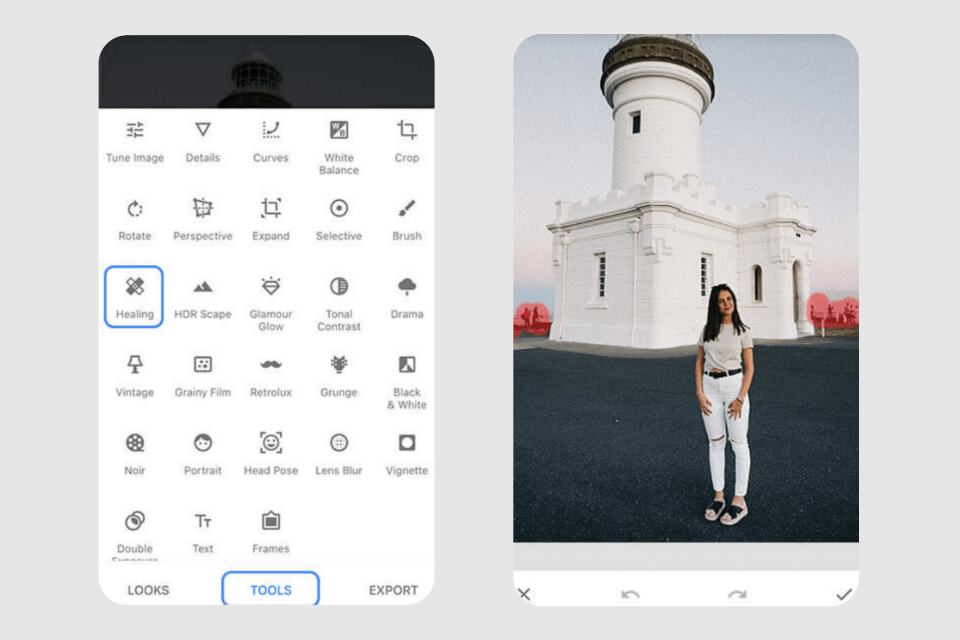
This powerful and versatile photo editing app by Google offers a Healing tool that can be used to remove objects from photos. It is available for both iOS and Android devices and is free to download.
Pixelmator
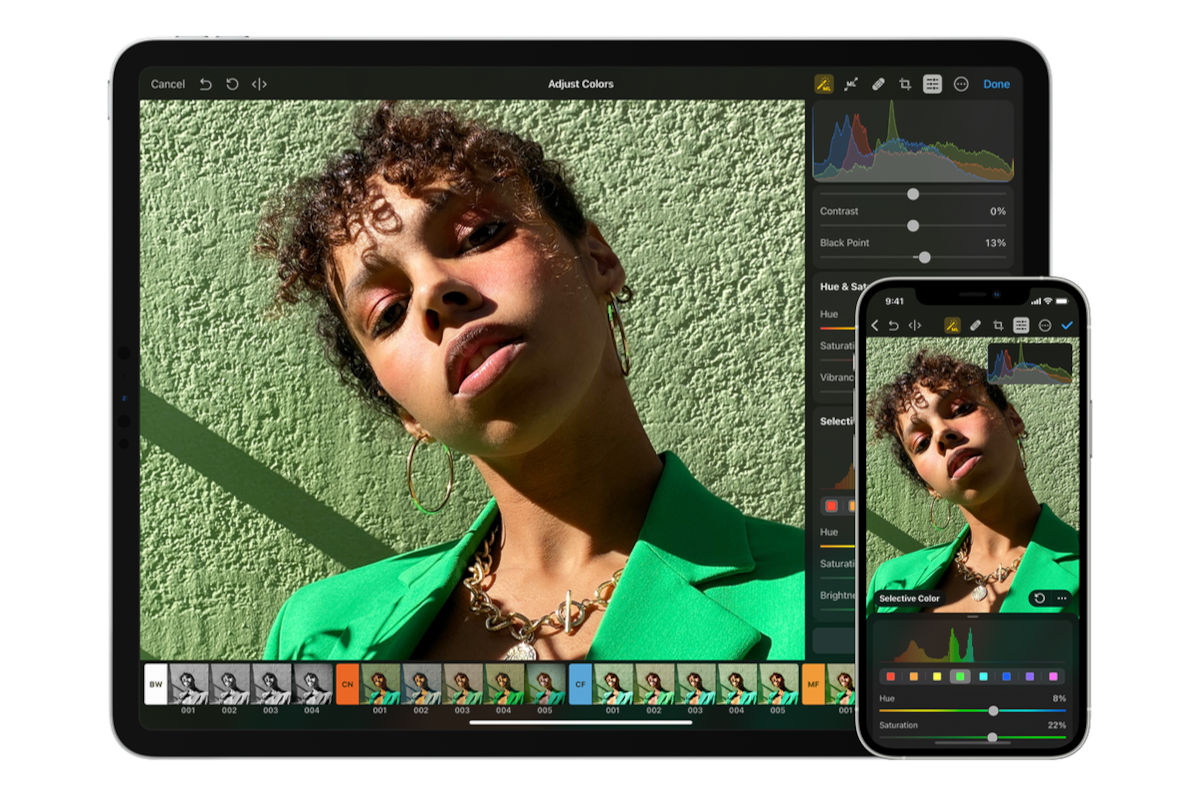
Available for iOS devices, Pixelmator is a full-featured image editor that includes a repair tool for removing objects from photos. The app offers a range of advanced editing features, making it a great option for those looking for more than just a simple object removal tool.
PhotoDirector
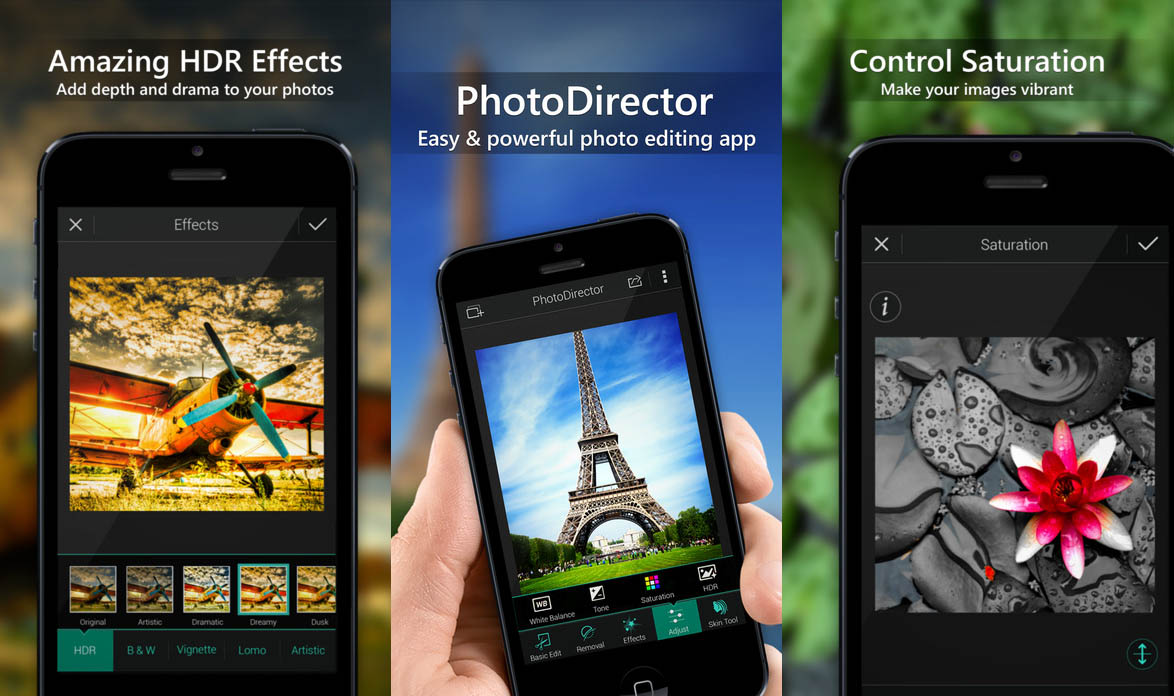
This comprehensive photo editing app is available for both iOS and Android devices and includes an object removal tool that uses AI technology to automatically detect and remove unwanted objects from your photos.
Removing objects from photos without Photoshop
While Adobe Photoshop is often considered the gold standard for photo editing, it is not the only option for removing objects from photos. In fact, there are several free alternatives that can help you achieve professional-looking results without the cost of a Photoshop subscription.
Here are a few options to consider:
GIMP
The GNU Image Manipulation Program (GIMP) is a powerful, open-source image editor that offers many of the same features as Photoshop, including the ability to remove objects from photos using its clone and healing tools.
Paint.NET
This free image editor for Windows offers a clone stamp tool that can be used to remove objects from photos. While it may not have all the features of Photoshop, it is an excellent option for users who want a simple, easy-to-use tool for basic photo editing tasks.
Photopea
This browser-based image editor is similar in functionality to Photoshop and can be used to remove objects from photos using its clone stamp and healing brush tools. The best part? It’s completely free and doesn’t require any software downloads.
Final Words
Removing objects from your photos doesn’t have to be a daunting task. With the right tools and techniques, you can easily retouch your images and achieve professional-looking results. Whether you’re using an iPhone app, a dedicated object removal app, or a free alternative to Photoshop, the key to success is patience, attention to detail, and practice. Experiment with different tools and methods to find the ones that work best for your specific editing needs. With time and experience, you’ll become more skilled at seamlessly removing objects from your photos and enhancing their overall quality.