



Did you know that the average person has about 250 hairs per eyebrow? Eyebrows are a crucial part of our facial expressions, and they can make or break a photograph. Fortunately, there are ways to enhance your eyebrows in photos and achieve that perfect look.
In this post, we’ll explore how to retouch your photo, touch up your eyebrows, and enhance their appearance using various techniques and apps.
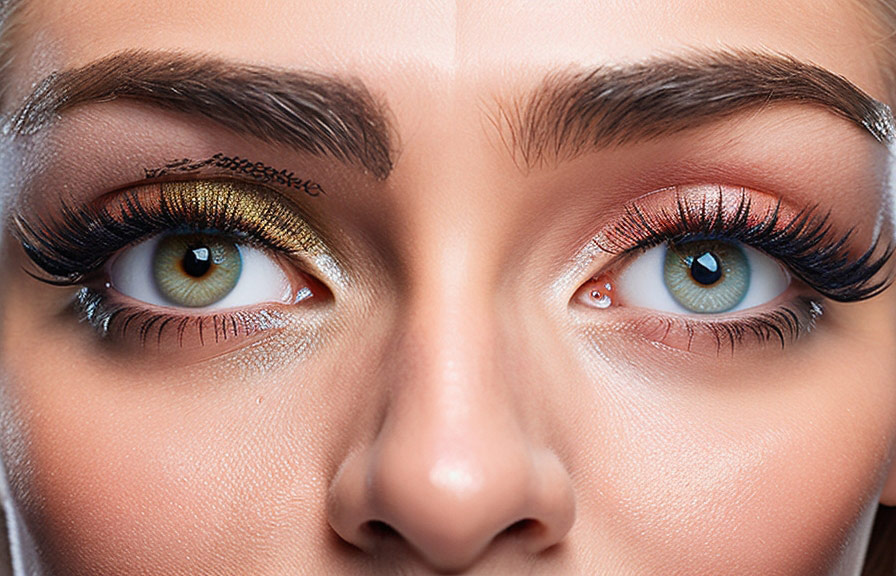
Enhancing Your Eyebrows in Photos
Whether you want to fill in sparse areas, trim overgrown hairs, or create a more symmetrical look, photo retouching can help you achieve the desired results. Here are some steps to follow for improving your eyebrows in photos:
- Select a high-quality image: To retouch your photo effectively, you need a high-resolution image with clear details of your eyebrows. A high-quality image will allow you to zoom in and make precise edits.
- Use photo editing software: There are various photo editing tools available, such as Adobe Photoshop, GIMP, or Lightroom. These programs offer advanced features to help you retouch your photo and enhance your eyebrows.
- Zoom in on your eyebrows: Zoom in on the area you want to work on so you can see the individual hairs and make precise adjustments.
- Use the appropriate tools: Most photo editing software offers a variety of tools for retouching. You can use the clone stamp tool to fill in sparse areas, the healing brush to remove stray hairs, or the liquify tool to reshape your eyebrows.
- Adjust the color and contrast: To make your eyebrows stand out, you can adjust the brightness, contrast, and saturation levels. This will help you create a more balanced and natural look.
Enhancing the Appearance of Your Eyebrows
Now that you know how to retouch your photo and improve your eyebrows in photos, let’s explore some techniques for enhancing their appearance:
- Define your eyebrows: Use the dodge and burn tools to add depth and definition to your eyebrows. Dodging will lighten the hairs, while burning will darken them. Be sure to use a soft brush and adjust the opacity to avoid overdoing it.
- Create a clean edge: To create a sharp and clean edge, you can use the pen tool to draw a path along the natural curve of your eyebrows. Then, create a new layer and fill in the path with a natural eyebrow color.
- Add texture: To make your eyebrows look more realistic, you can add texture using various brushes. For example, you can use a small, round brush with low opacity to paint individual hairs in the direction they naturally grow.
- Blend and adjust: Finally, use the eraser tool with a soft brush to blend the edges of your work and create a seamless transition between the retouched and original areas. You can also adjust the opacity and blending mode of your layers to achieve a natural look.
Apps for Altering and Trying Out Different Eyebrows
If you’re looking for a more straightforward solution to change your eyebrows in a photo, there are several apps available that can help. Some popular options include:
- Facetune
This popular photo editing app offers a range of tools to enhance your selfies, including an eyebrow reshaping feature. With Facetune, you can easily adjust the size, shape, and color of your eyebrows.
2. Perfect365
Perfect365 is a virtual makeover app that allows you to try out different eyebrow styles and colors. You can experiment with various looks and find the one that suits you best.
3. YouCam Makeup
YouCam Makeup is another virtual makeover app that provides a wide range of tools for enhancing your facial features, including your eyebrows. You can use the app to experiment with different shapes, thicknesses, and colors.
4. Browify
Browify is an app specifically designed to help you try out different eyebrow styles. It offers a large variety of realistic eyebrows that you can overlay on your photo to see how they’d look on you.
These apps make it easy to experiment with different eyebrow looks and find the one that complements your face the most. Whether you want to fill in, reshape, or change the color of your eyebrows, these tools can help you visualize the results before making any real changes.